Claude
Android Studio
Use TokenOff for AI programming in Android Studio through the plugin.
Get API Key
Go to the API Keys page to create your API key.
Install Plugin
Install the Claude Code [Beta] plugin.
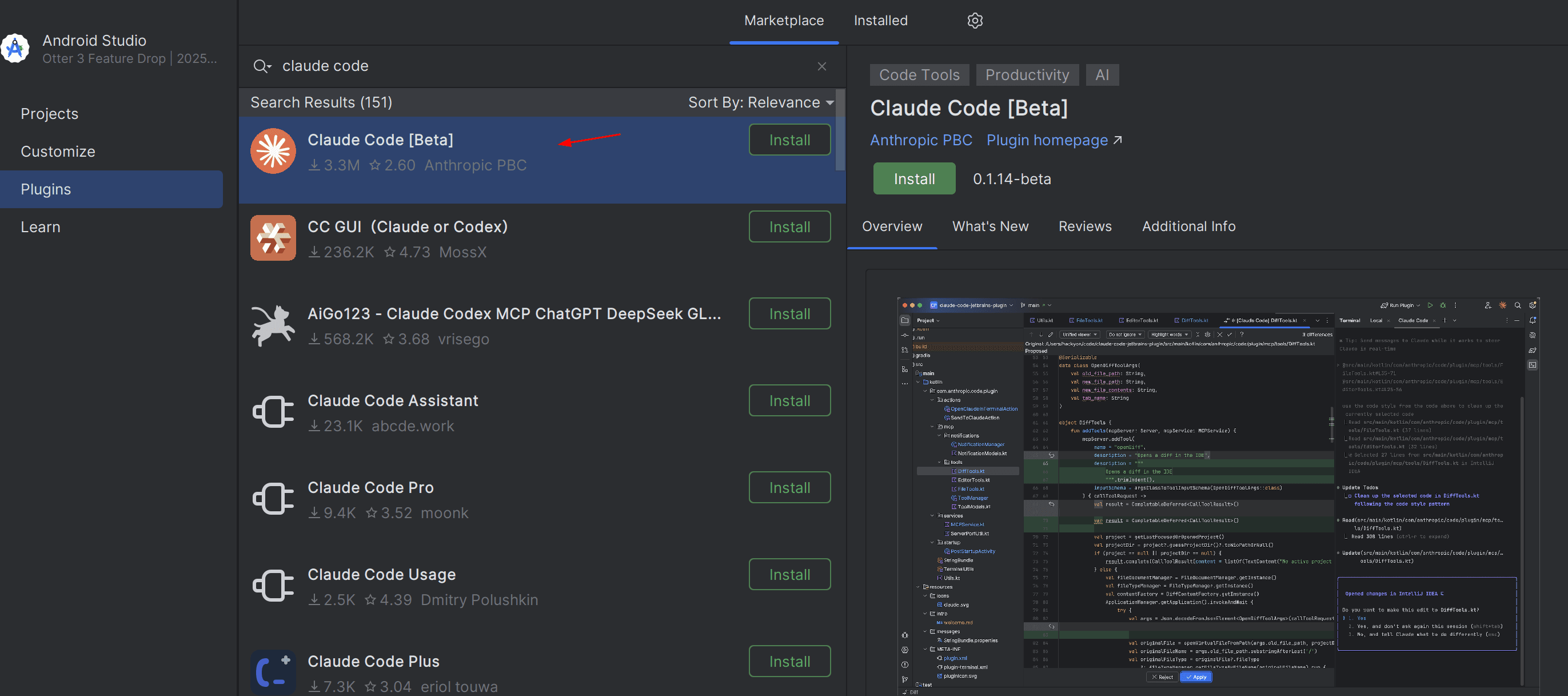
Install CLI
Note that the Claude Code [Beta] plugin requires Claude Code CLI. Please refer to Claude Code CLI to install and complete the configuration.
When opening the Claude Code [Beta] plugin in Android Studio, a terminal window will open and start Claude Code CLI. To make the environment variables take effect, you can add them to your user profile and restart Android Studio.
Contact Us
If you encounter any issues while using TokenOff:
Contact us atsupport@tokenoff.comand other official channels for technical support
Submit an issue on ourGithubrepository